Lifestyle scenes
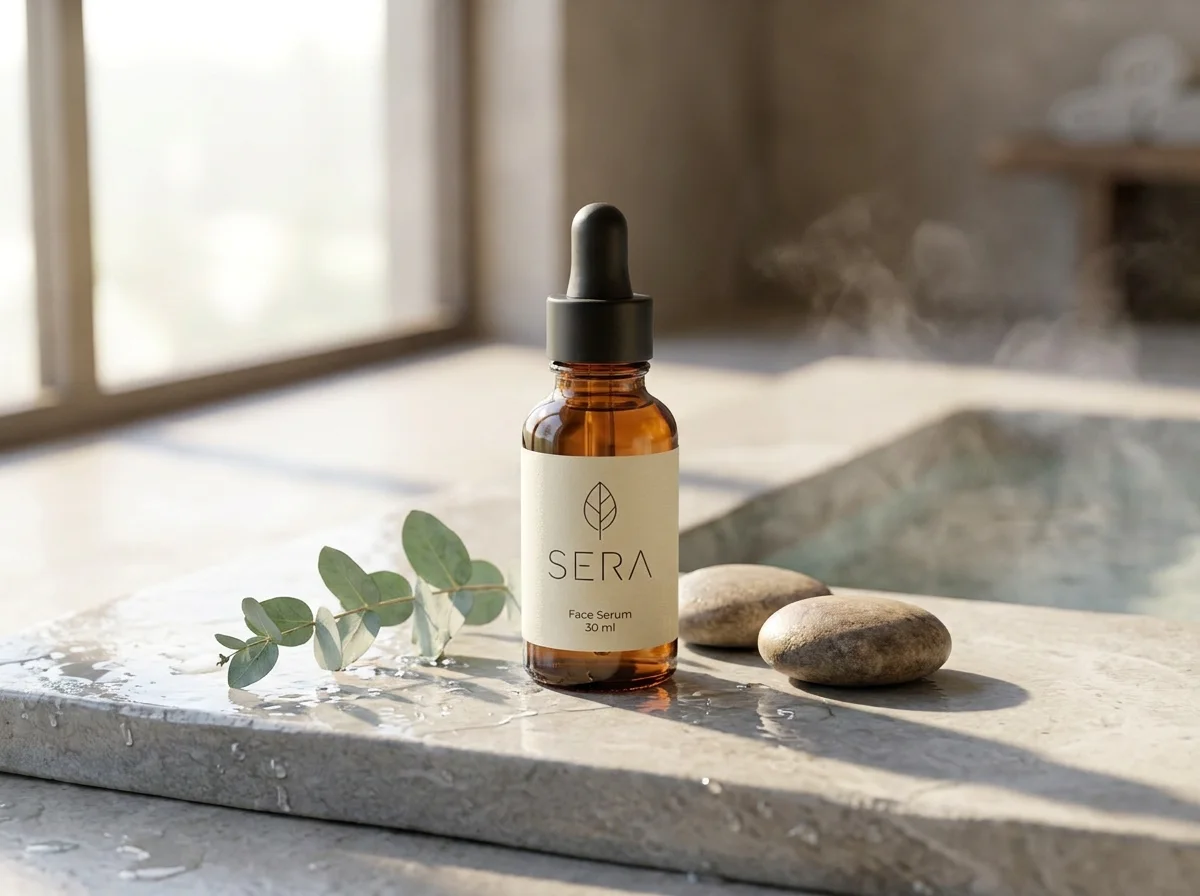
The serum on wet stone by a spa pool, the shoe on a sunlit court: right where your customer imagines it.
AI PRODUCT PHOTOS
Start from the photo you already have. Describe the place, the light and the mood, and watch it become a lifestyle scene for your shop, your feed or your next campaign. Not quite there yet? Say what to change, in plain words.
BEFORE AND AFTER
A running shoe on a sunlit court. A mug on a café table in the morning light. A leather bag on a station bench at golden hour. Each one began as a plain studio shot. Drag the slider to see the difference.
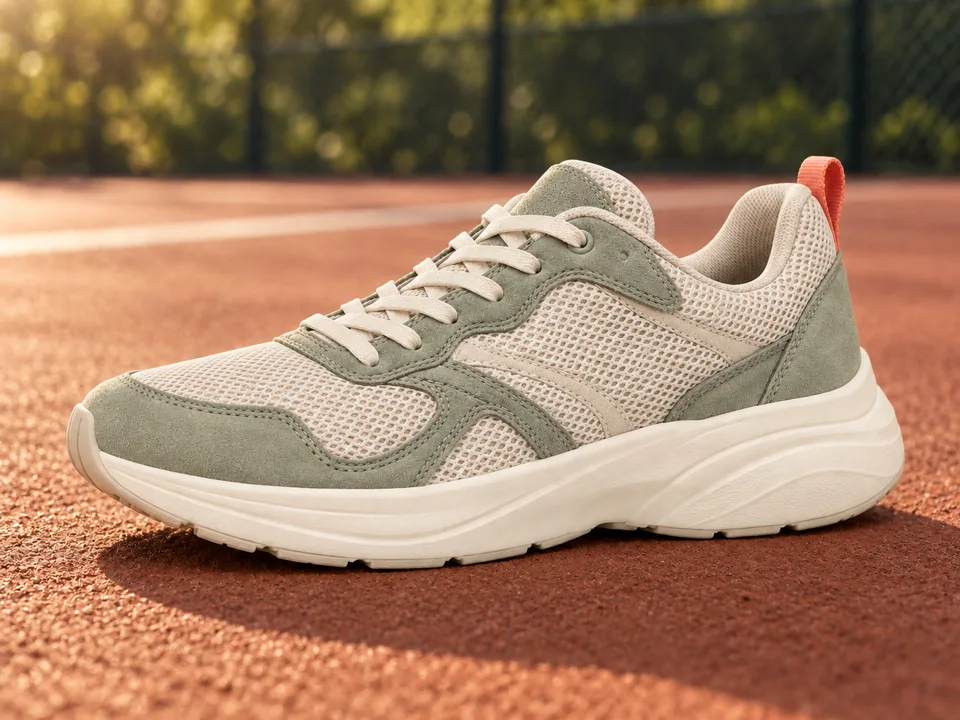
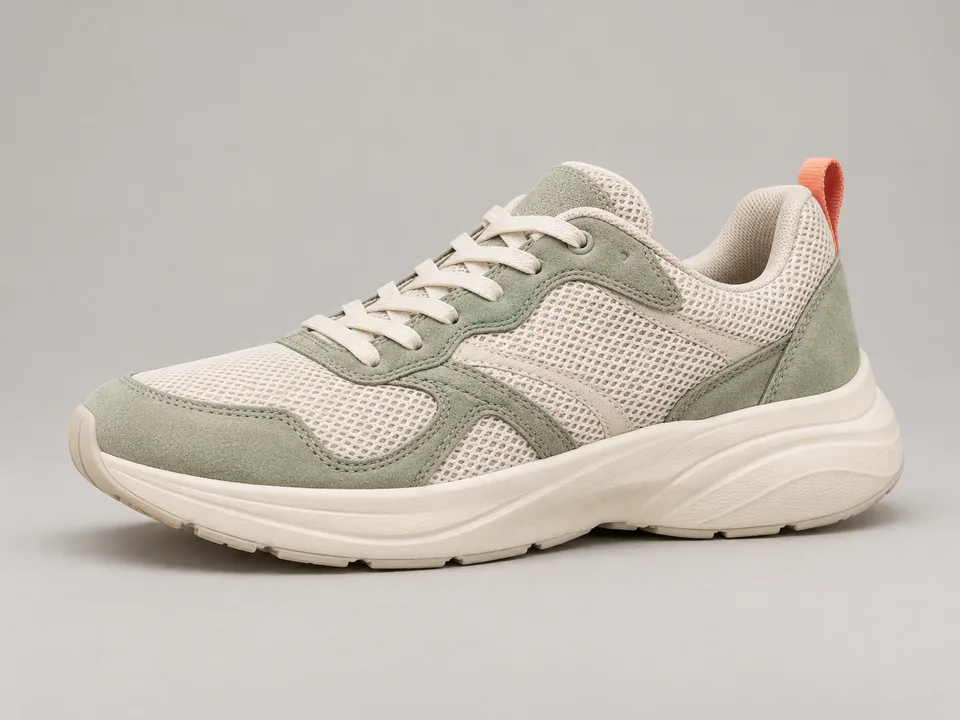
From studio to sunlit court
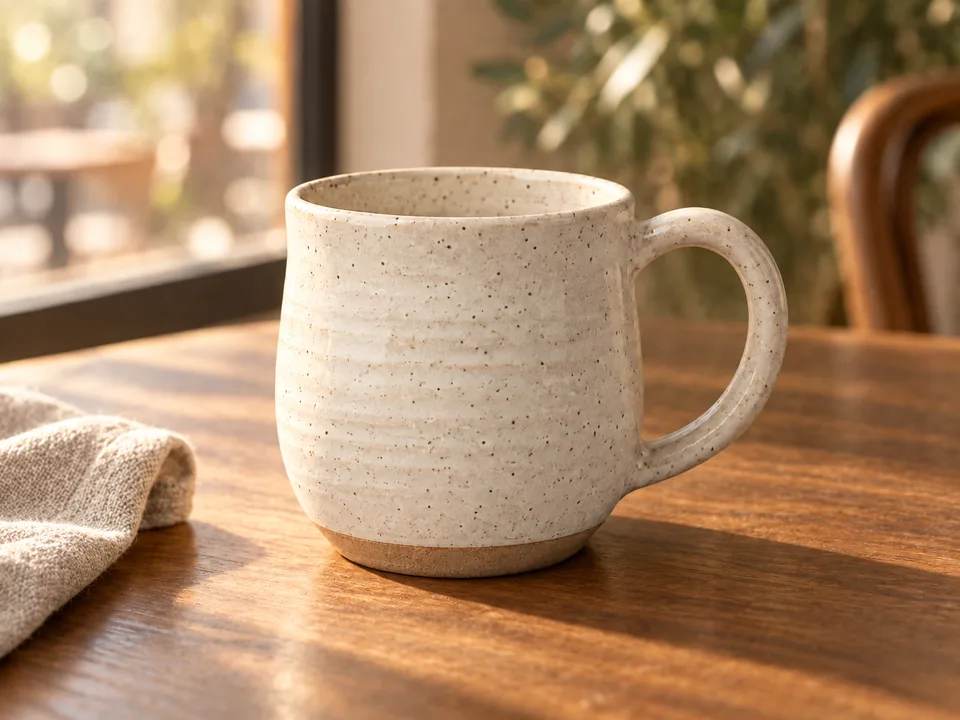
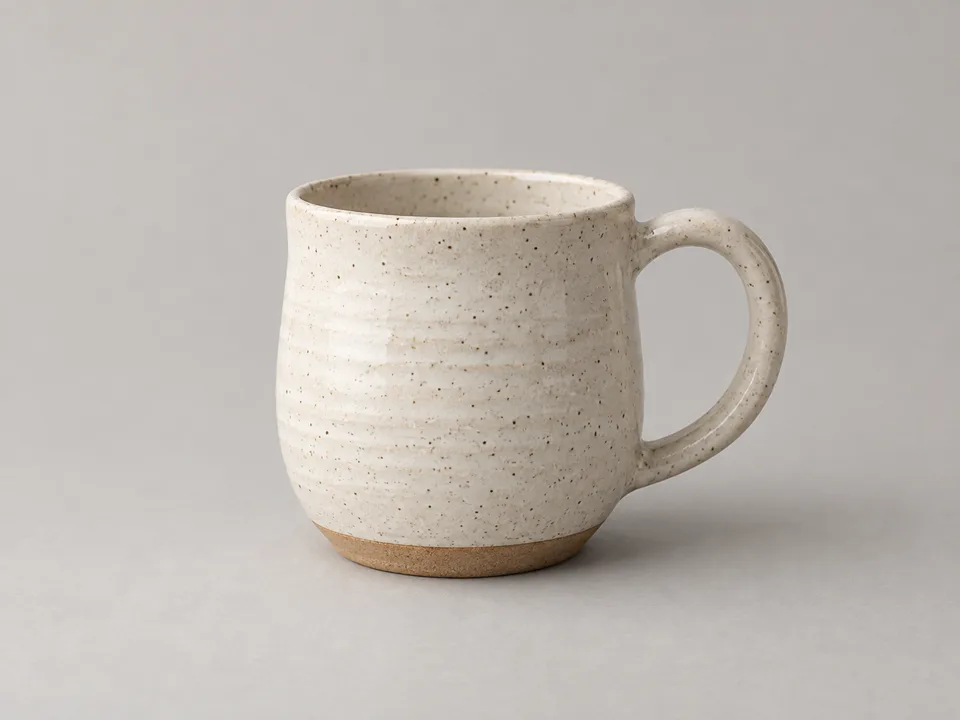
From studio to café morning
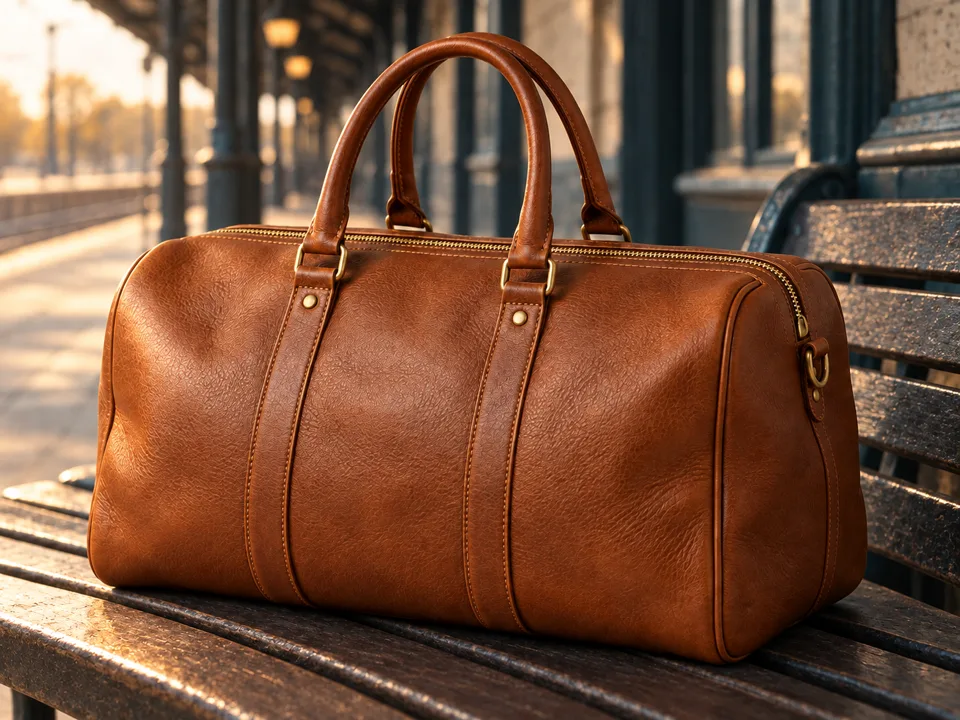
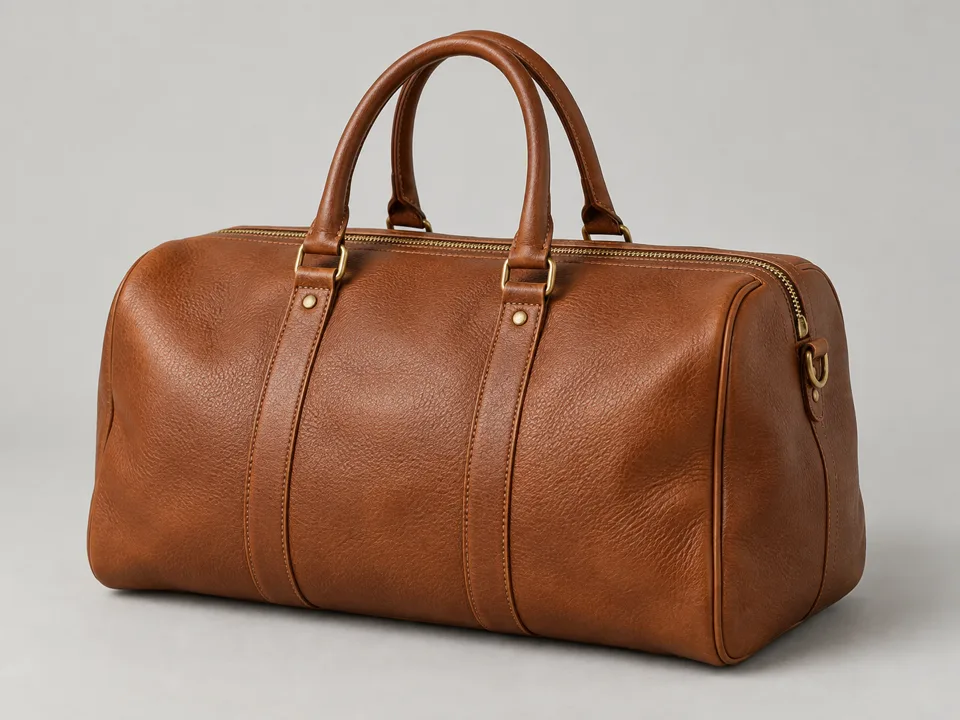
From studio to weekend away
Illustrative AI-generated examples.
DIRECT IT IN PLAIN WORDS
The first image is where you start, not where you stop. Move the scene, warm the light or add a prop just by saying so, and keep the version you love.
Add the product shot, plus a person or another reference if you want one. Then describe the scene in a sentence.
Your scene appears in the chat. Keep it, or decide what should change.
Ask for the change, download the one you love, or turn it into a clip.
An illustrative editing conversation · generated image examples
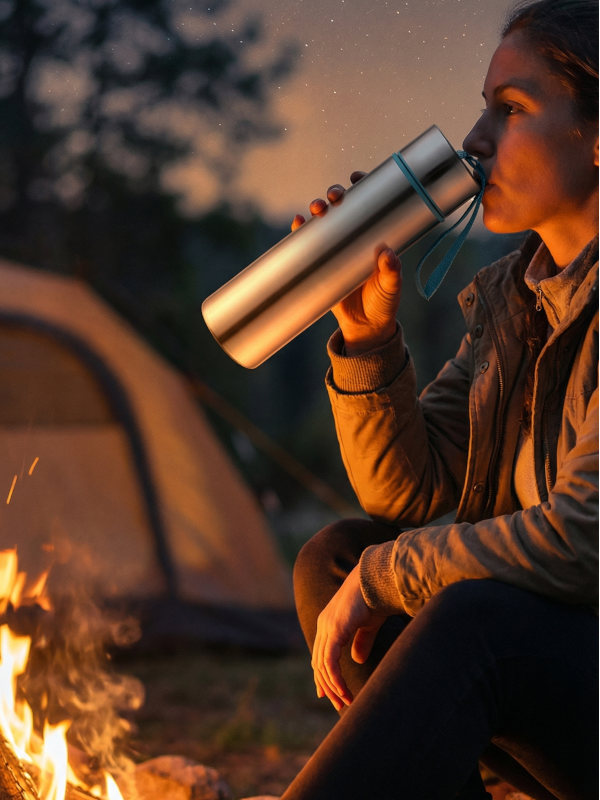
"Show someone drinking from the bottle beside a campfire."
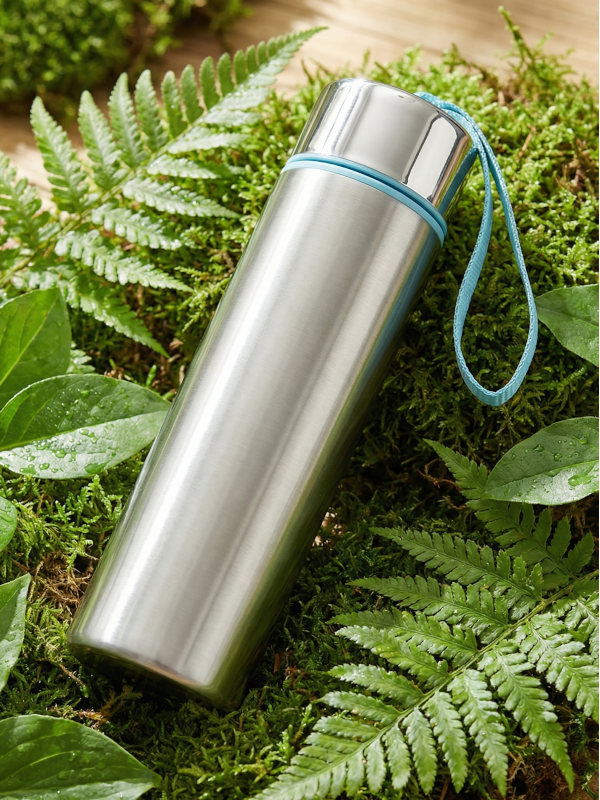
"Now place the bottle on moss, surrounded by ferns."
"Show a female athlete drinking from the bottle in a gym."
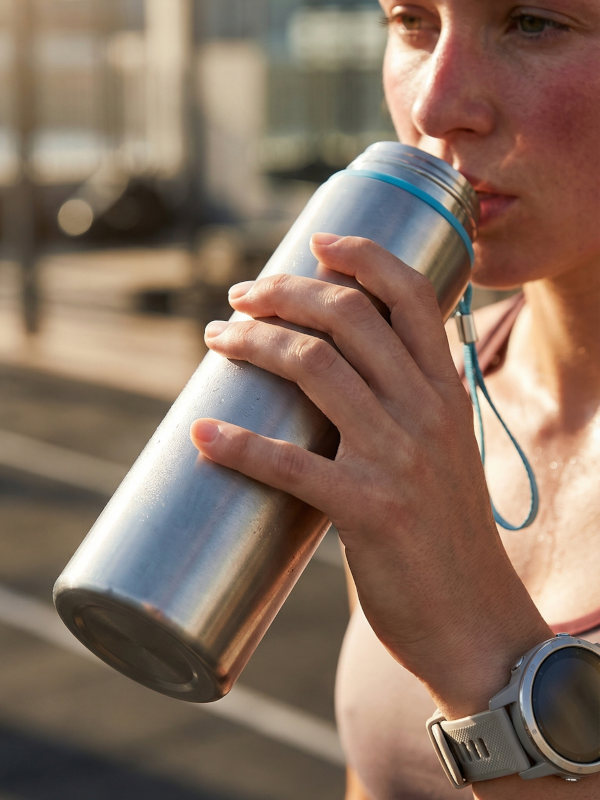
"Create a product shot of the bottle on dark black granite."
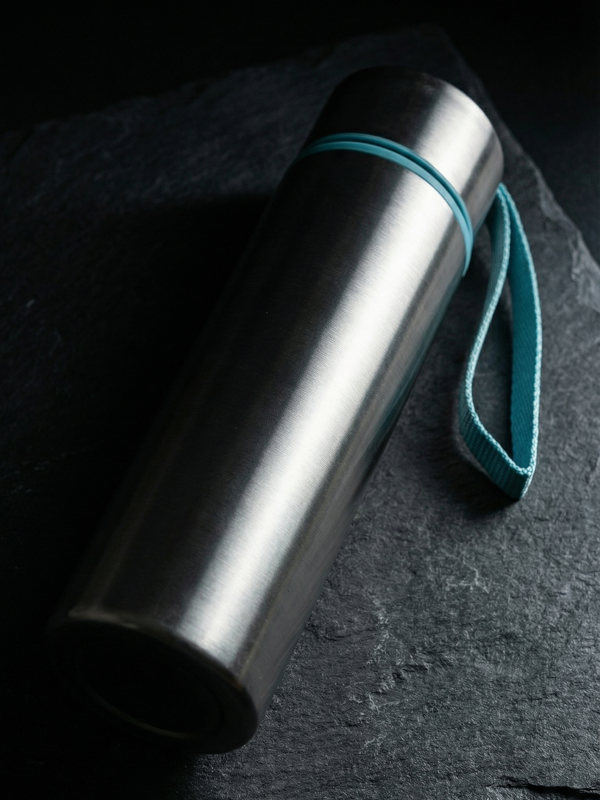
"Show a male athlete drinking from the bottle in a gym."
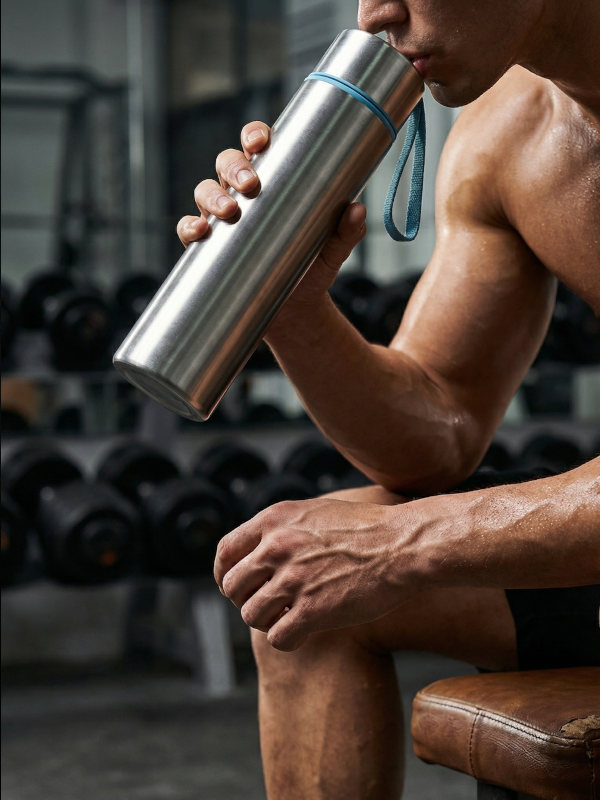
"Create a winter product shot with the bottle standing in fresh snow."
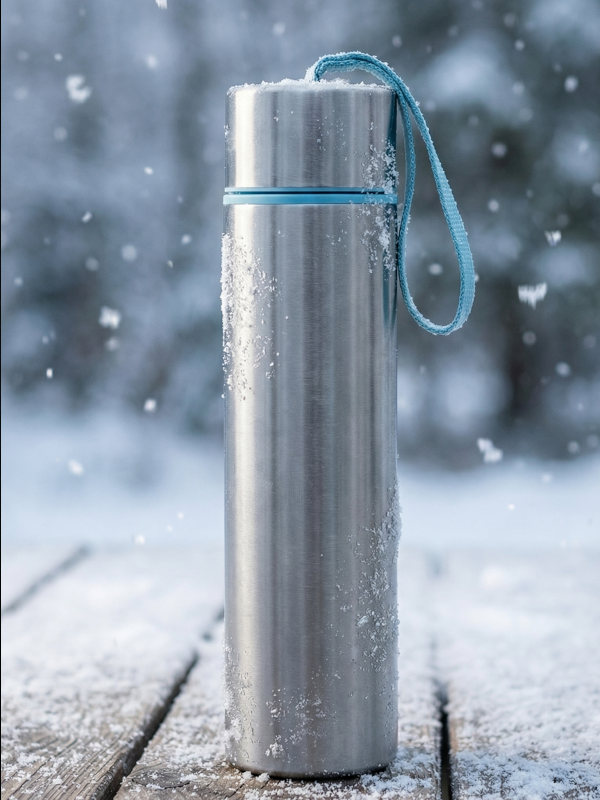
WHAT YOU CAN MAKE
The serum on wet stone by a spa pool, the shoe on a sunlit court: right where your customer imagines it.
The same product in snow, at a summer table, under string lights. One photo, every season.
Square, portrait or wide, shaped for the feed it lands in, with as many variations as you want to test.
A clean, inviting scene that sells the product without hiding it, at the size the shop asks for.
Someone holding, wearing or using it, cast from a portrait you made or a reference you bring.
Bring your favorite scene to life in a few seconds of video: steam rising, light moving, the camera pushing in.
FROM THE BLOG
One product photo, six scene models, side by side
The same packshot through six models: the scene each one builds, and how well it keeps the product. Read the comparison →
QUESTIONS
KEEP EXPLORING
Showcase
Follow one character from a single portrait to a video where she speaks for a product.
Models
Veo, Kling, Seedance, FLUX and hundreds more, ready to try in one click.
Pricing
One balance of credits for every model. No subscription.
For AI agents
Connect Claude, ChatGPT or a coding agent and let it create for you.